Claude
On the web, desktop and mobileAfter you click
- We copy the URL and open Customize, Connectors in Claude.
- Click “Add”, then “Add custom connector”, name it My PR and paste the URL.
- Click Connect and sign in with your My PR account.

AI assistants
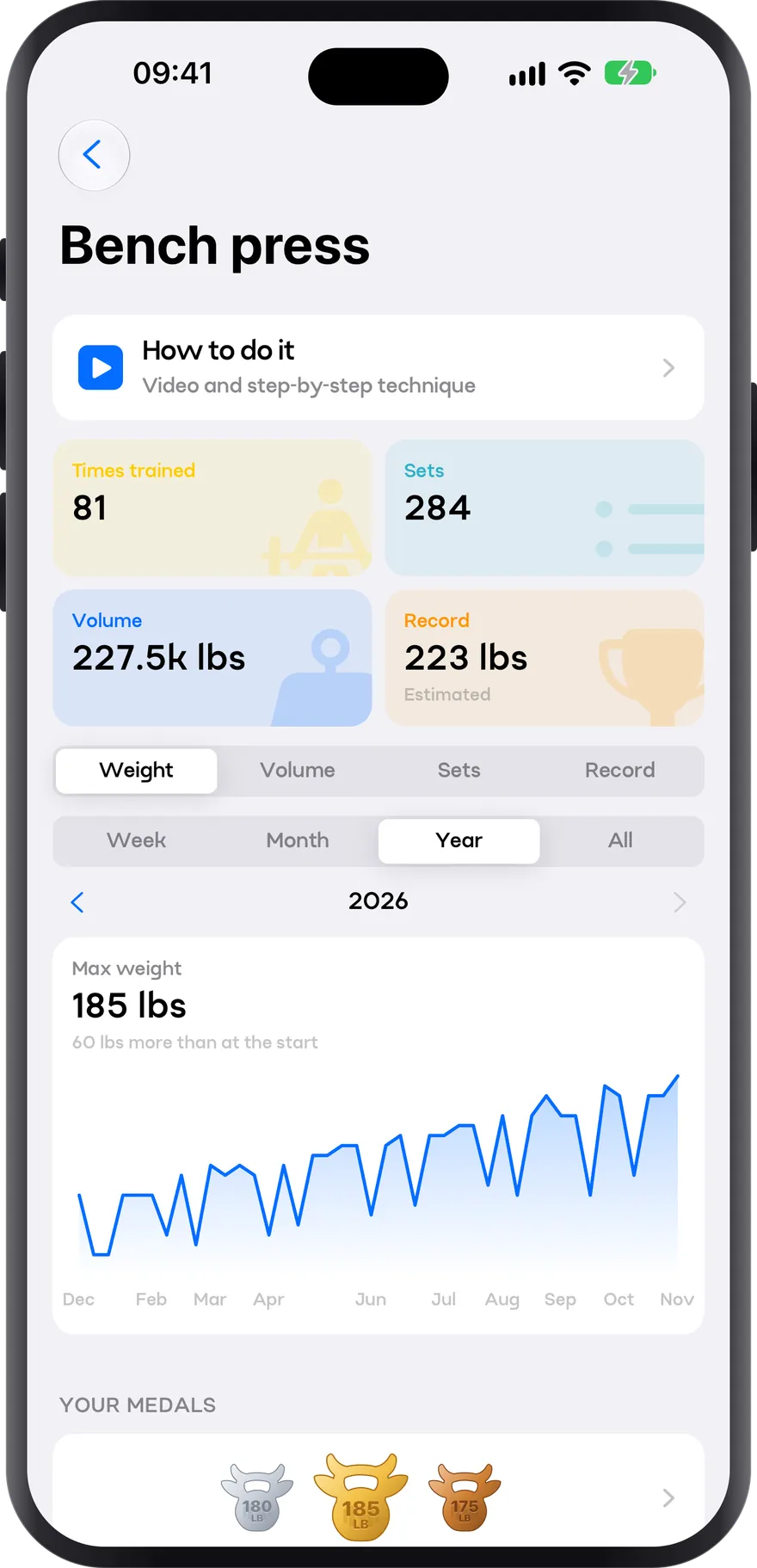
Connect your account and ask your assistant how much your squat has gone up, what is on this week or how to adjust your plan. It reads your data and only changes something once you confirm it.
https://api.my-pr.app/v1/mcpAfter you click
After you click
Installs itself and asks you to sign in
With Copilot agent mode
Paste the command in your terminal
claude mcp add --transport http mypr https://api.my-pr.app/v1/mcpAny assistant that supports MCP connectors with OAuth: paste the URL above.
AI assistants
The assistant never sees your password: you sign in to My PR and grant access, just like with Google.
Before touching a plan it shows you the change and waits for you to confirm. And everything can be undone.
Delete the connector in your assistant settings and access stops right away.
No. Connecting My PR is free and the conversation runs on your own ChatGPT or Claude account, free or paid.
ChatGPT only allows custom connectors on some plans, and sometimes you have to turn on developer mode in its settings. We are applying to its directory so that one button is enough.
Yes. The free plan allows one custom connector; if you already have one, you will need to remove it or upgrade.
Your workouts, records, progress per exercise and plans. It never sees your password or other athletes’ data.
Download it, build your plan in two minutes and head out today knowing exactly what you’re going to do.
I’d rather read first